Guide 02
The keyboard is the desk.
One rule, a handful of keys, no modes.
The one rule
Said and Done. has one keyboard law and it never bends: a key goes to the topmost screen, and nowhere else. If the screen on top doesn't claim it, the key is dropped — it never falls through to the record underneath, never triggers something you can't see. There are no global shortcuts. Not for quit, not for search, not for anything.
This sounds strict until you feel it. Every keypress is predictable from what's in front of your eyes, the help screen only ever shows keys that work right now, and a focused text field simply eats the keys — no modes to fall out of, no wrong-mode disasters to recover from.
Moving around
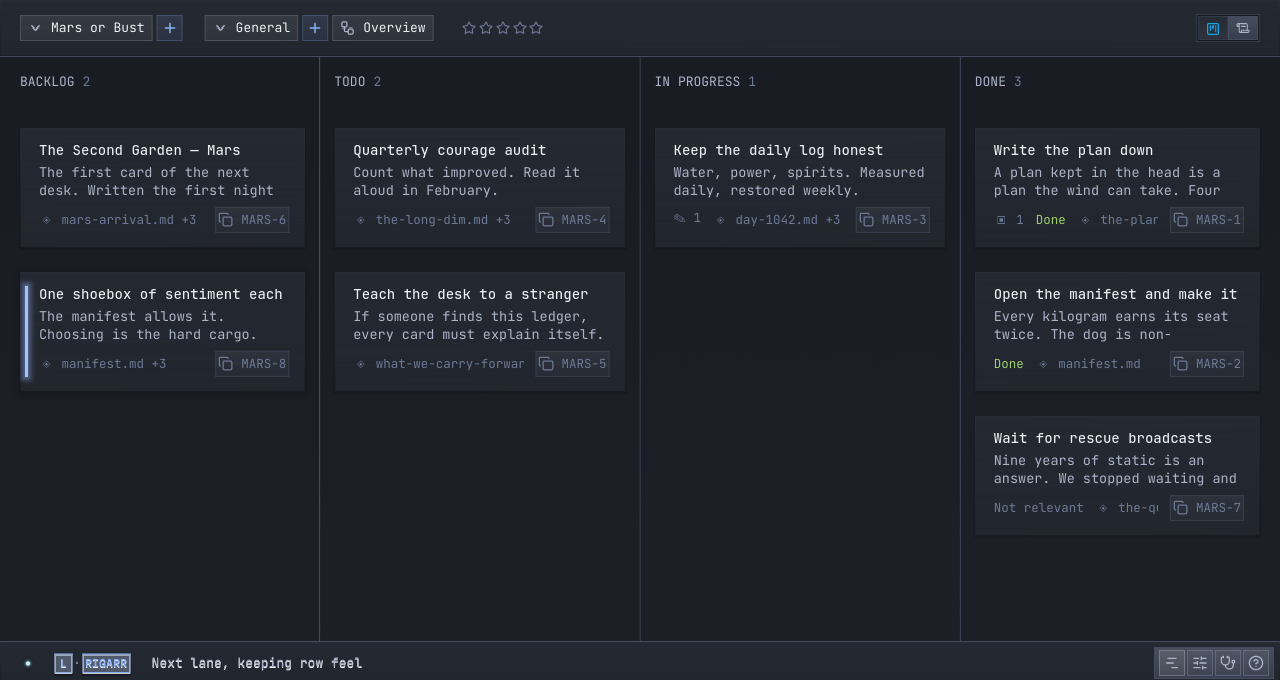
j korarrows— walk the record, Page by Page.enteroro— open the picked Page.esc— close the topmost screen, always.g gandshift + g— first Page, last Page.
Making and moving
n— a new Page.e— edit the picked Page, title focused.shift + h/l— carry the picked Page one status back or forward: backlog, to do, in progress, done.r— resolve: done, dropped, or not relevant. The record keeps which.
enter opens the Page's case file — its body, references, Thoughts and Updates, and history on one sheet — and esc puts you back on the record exactly where you were.
Finding
/— the finder, every Notebook answering;?keeps it to this Notebook.p— switch Notebook;b— switch Chapter.space h— the key help, honest by construction.
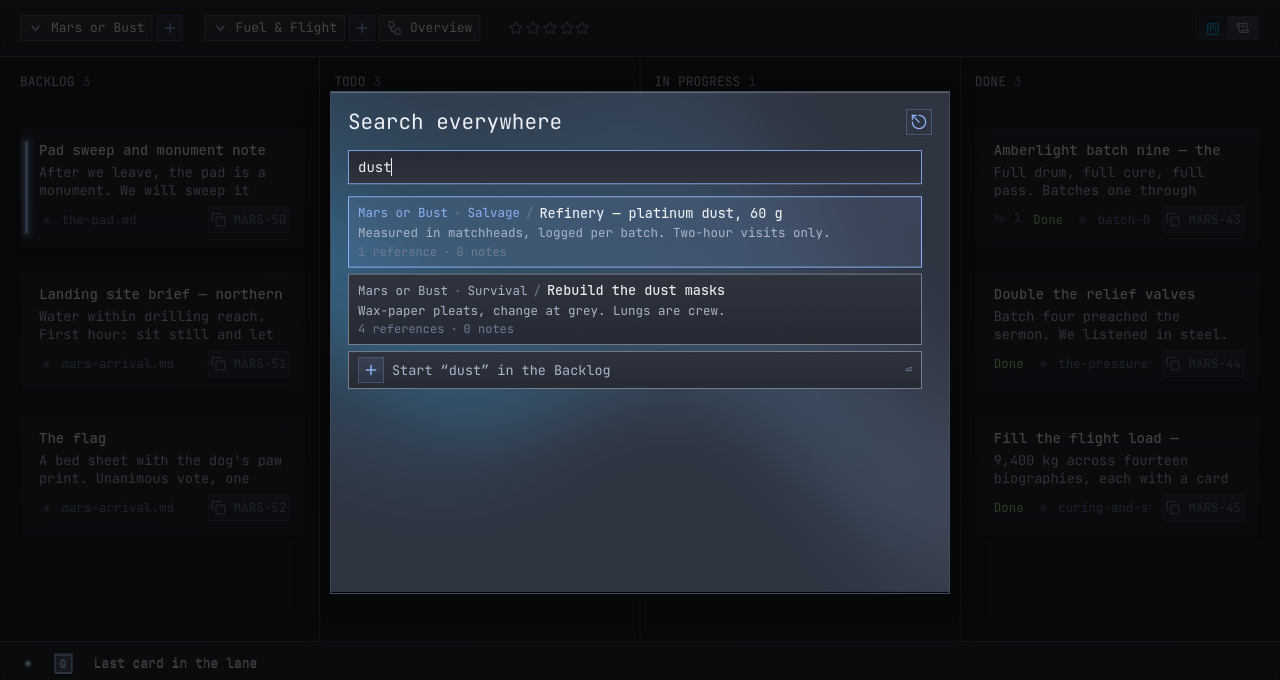
If a key is shown on screen, it works. If it isn't, it doesn't. You can trust your hands to learn the desk in a day.