01 · All local
Everything happens on your machine.
One local database, your notes read in place, nothing sent anywhere to make any feature work. No account, no cloud, no sync service between you and your own plans.
// Nine things Said and Done. does, in the order they matter.
01 · All local
One local database, your notes read in place, nothing sent anywhere to make any feature work. No account, no cloud, no sync service between you and your own plans.
02 · Forever yours
The free desk runs on as many devices as you own*. One 4.99€ licence unlocks unlimited everything on two devices** — pay once, keep it, no subscription.
*Free: every feature, capped at 5 Notebooks, 10 Chapters, and 100 Pages.
**Licensed: no caps anywhere, one key covers 2 devices, moved freely.
03 · Local AI
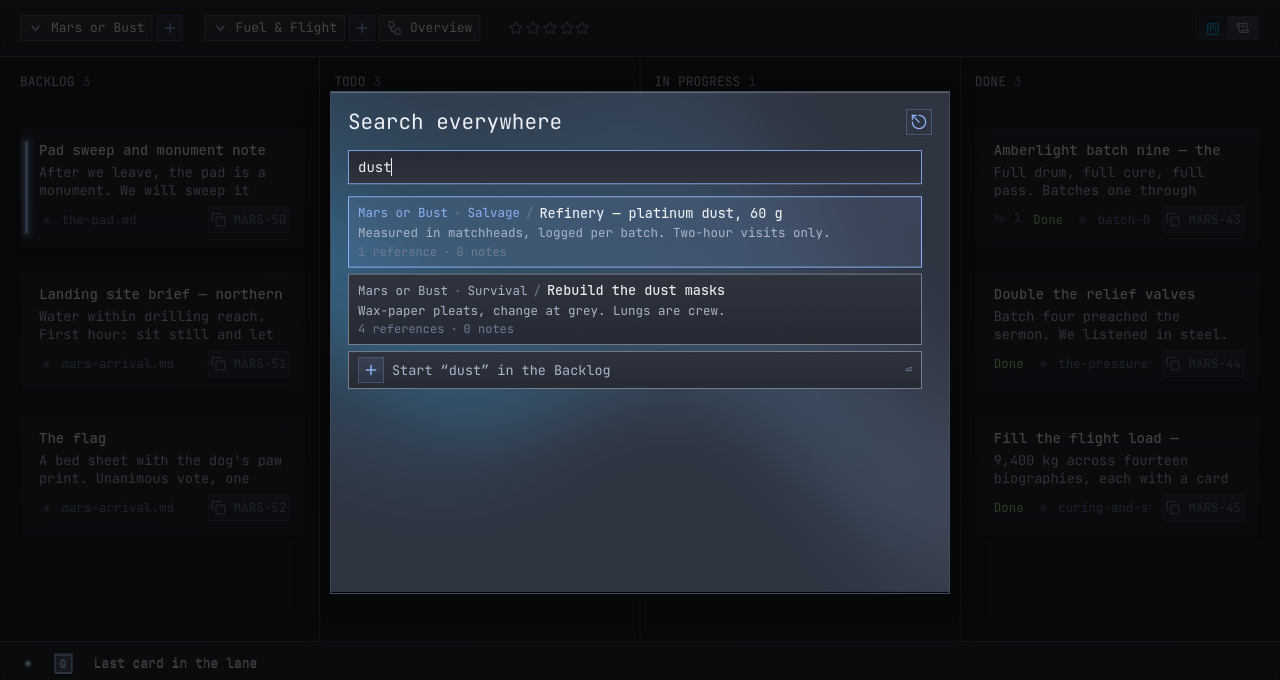
An on-device embedding model indexes your markdown as you write it — smart matching between what you type and what you meant, computed at home, sent nowhere.
04 · AI-ready
Any MCP client can sit at your desk: list Chapters, search notes, file and resolve Pages, leave Updates. Every action signed with the agent's own name, exactly like yours.
Two doors, both yours. While the desk is open, a Streamable-HTTP door answers on your machine — and for clients that spawn their own servers, the same desk speaks stdio. One line connects either:
claude mcp add --transport http said-and-done http://127.0.0.1:5181/mcpChecked against each client's own docs, not vibes. ChatGPT's connectors reach only public HTTPS, so it joins through a tunnel you own; Claude Desktop sits down through the stdio door.
05 · References
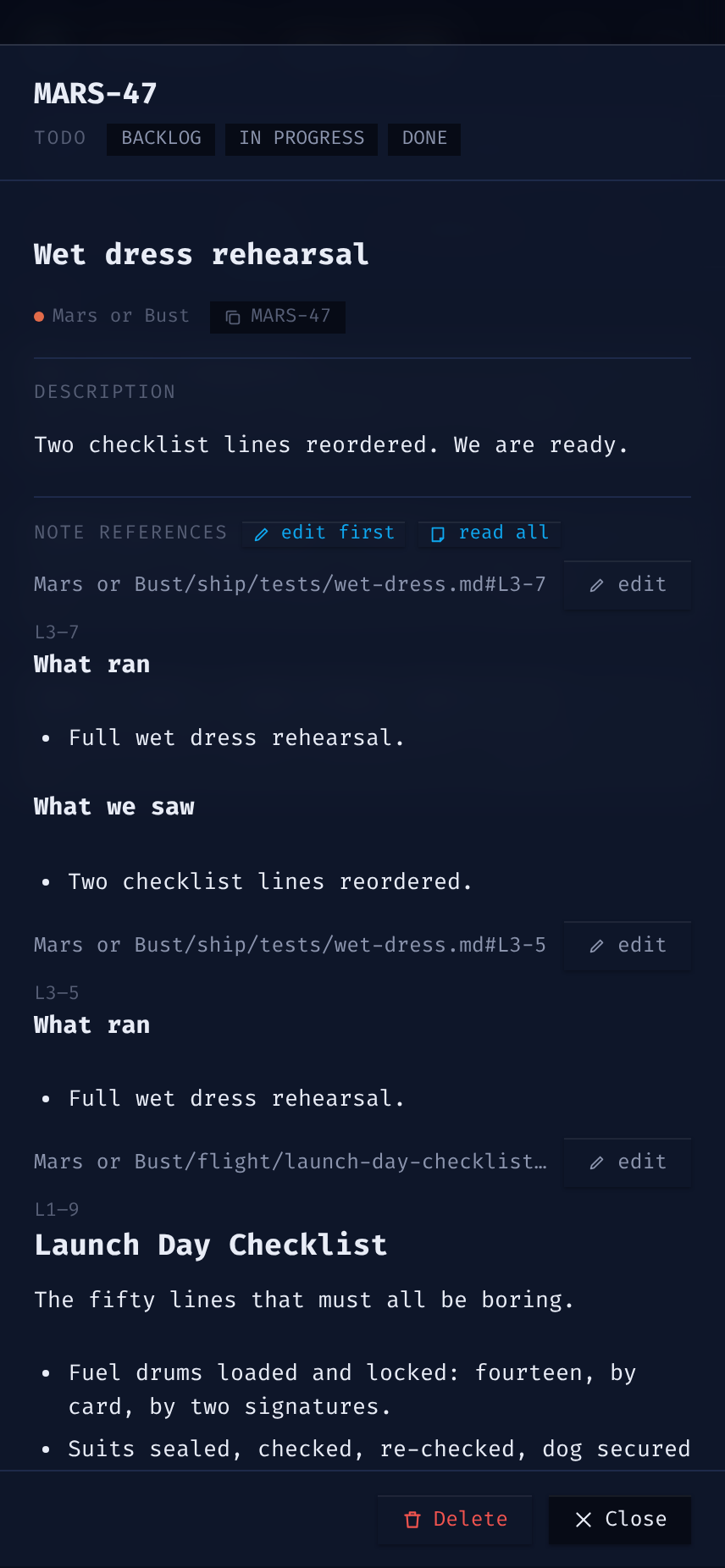
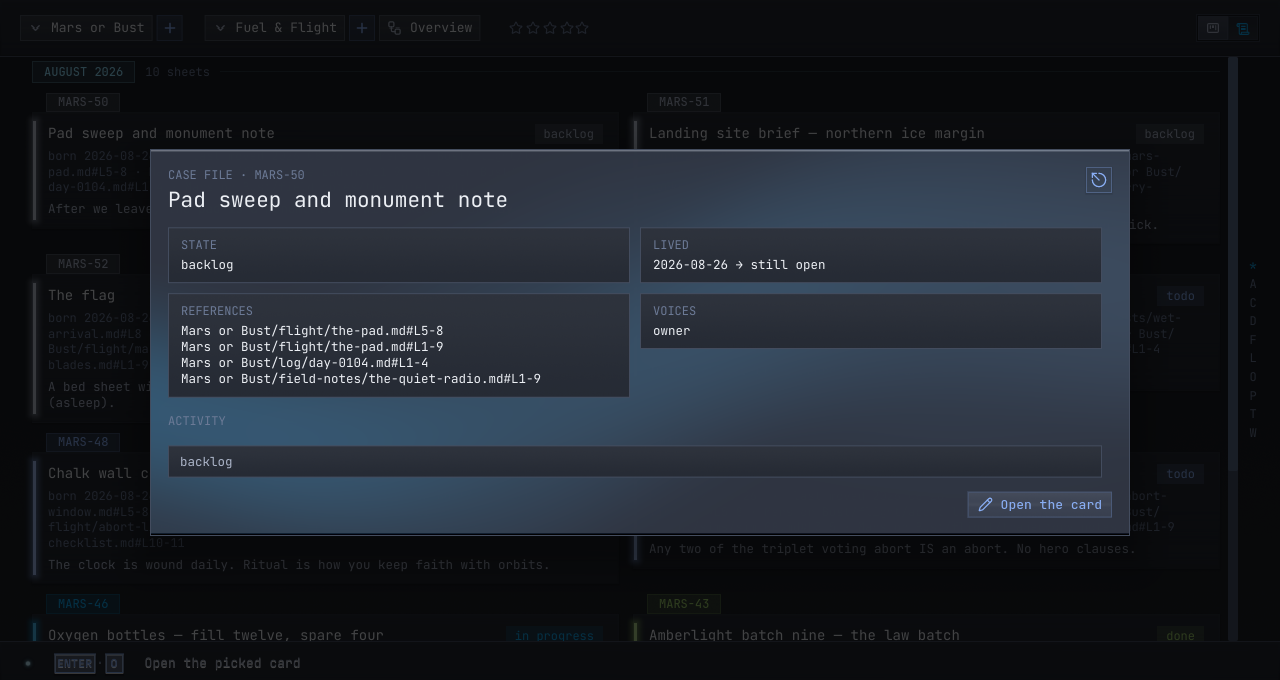
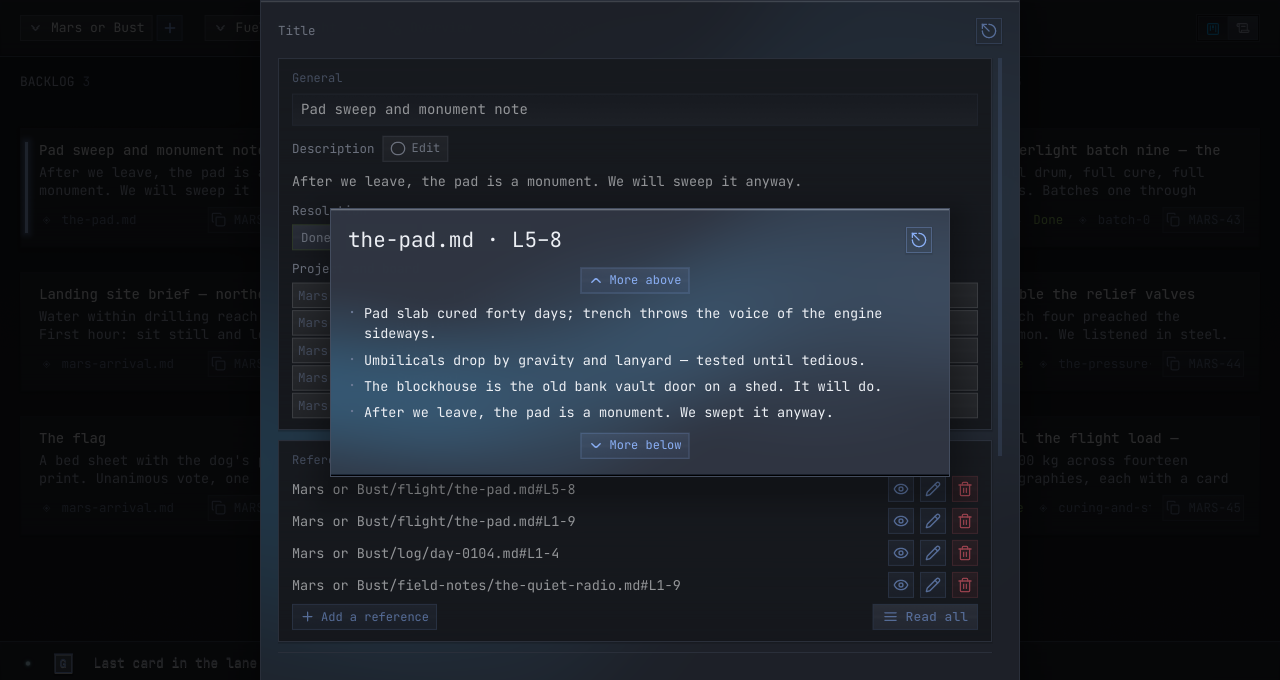
Pages point at the exact lines of the markdown they came from — suggested automatically at birth, readable in place, tracked as your files change. The record never drifts from the thinking behind it.
06 · The record
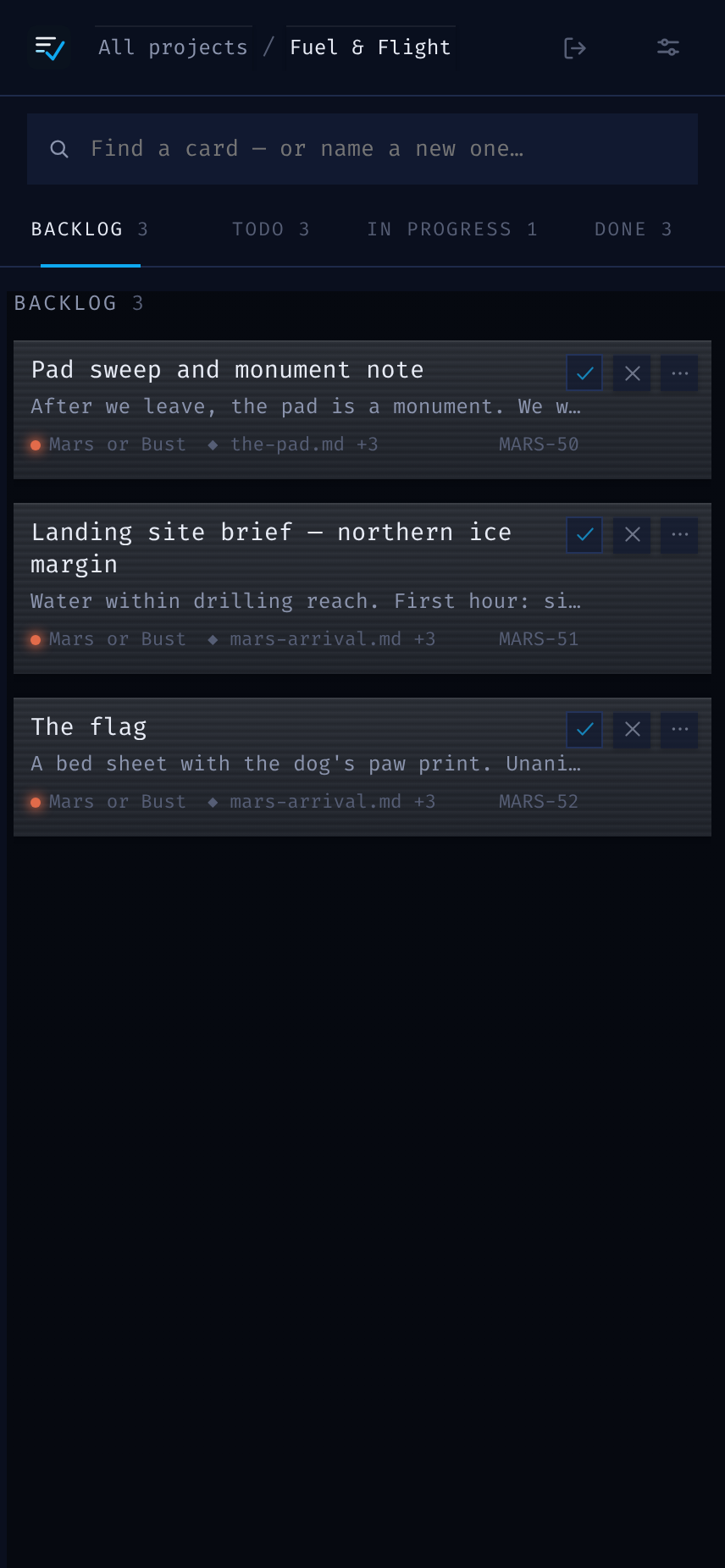
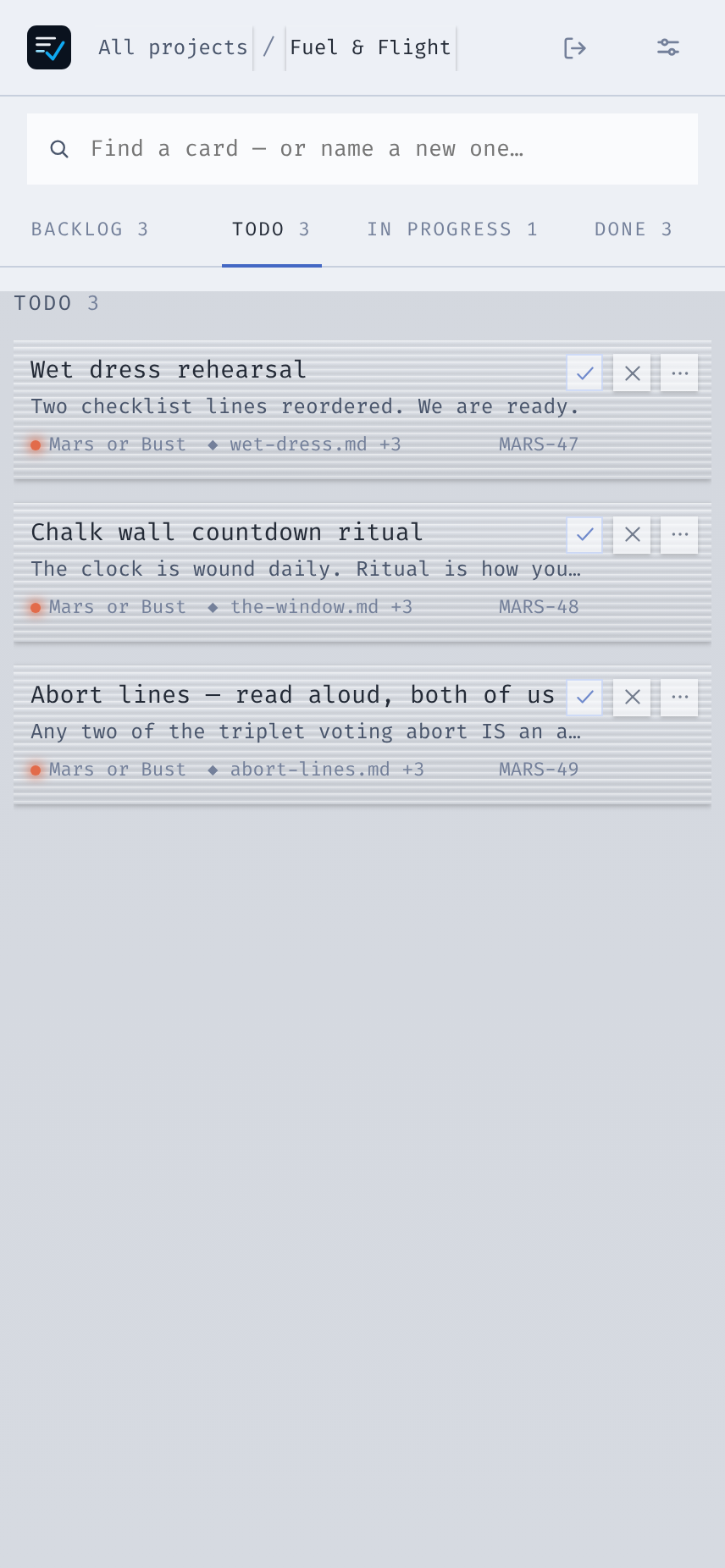
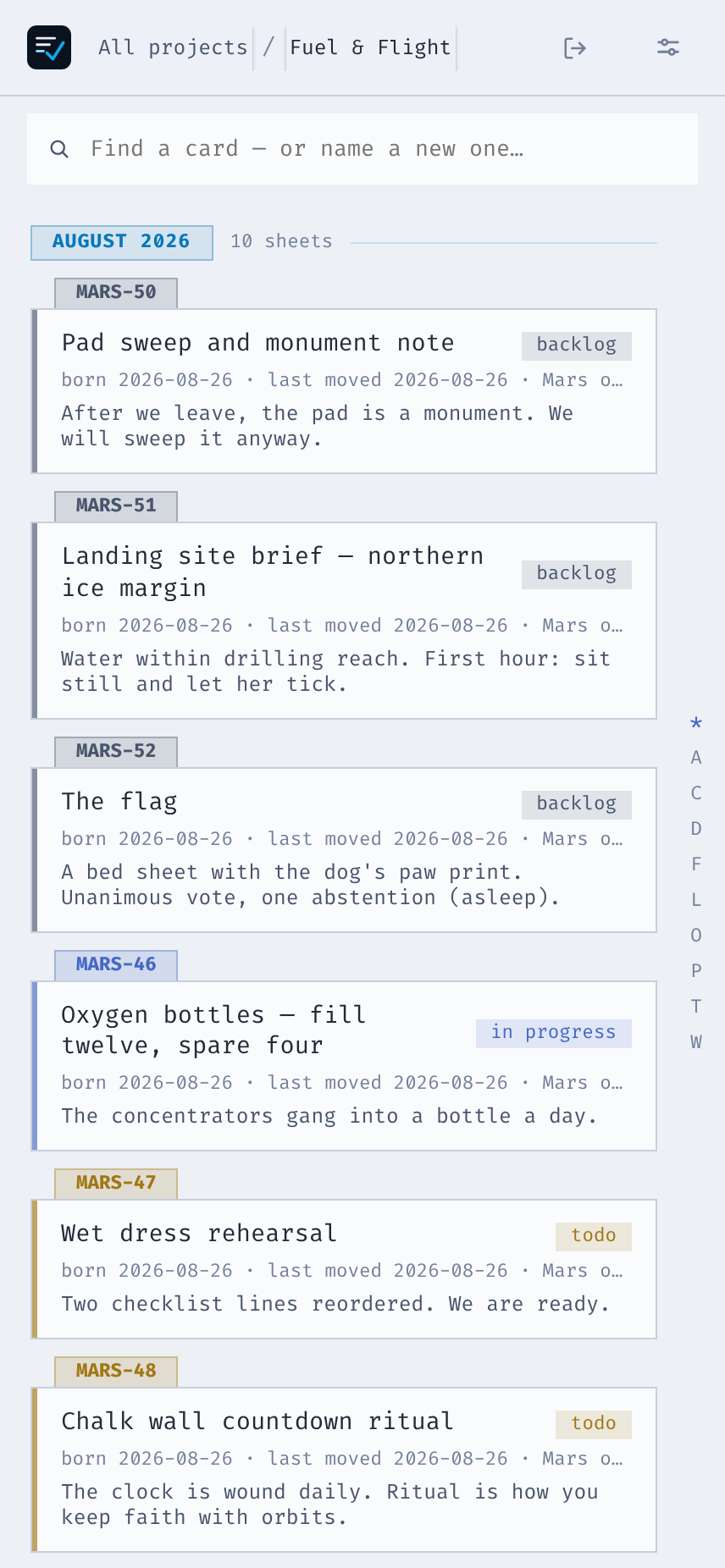
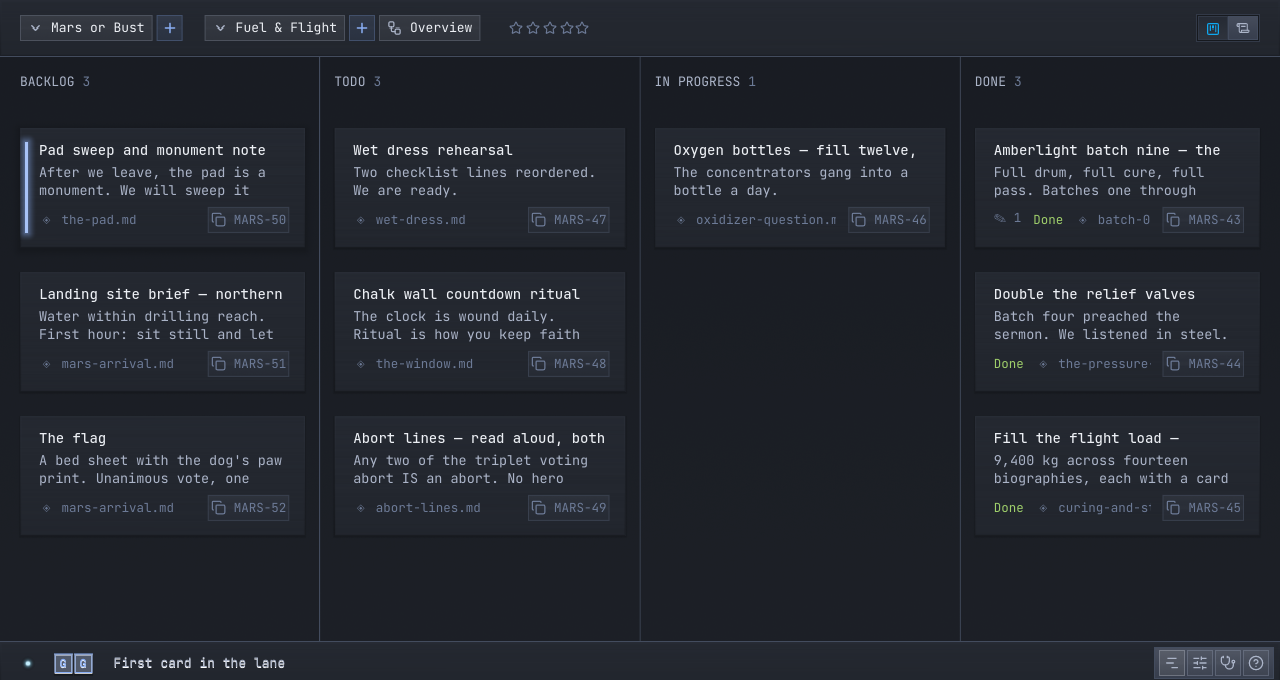
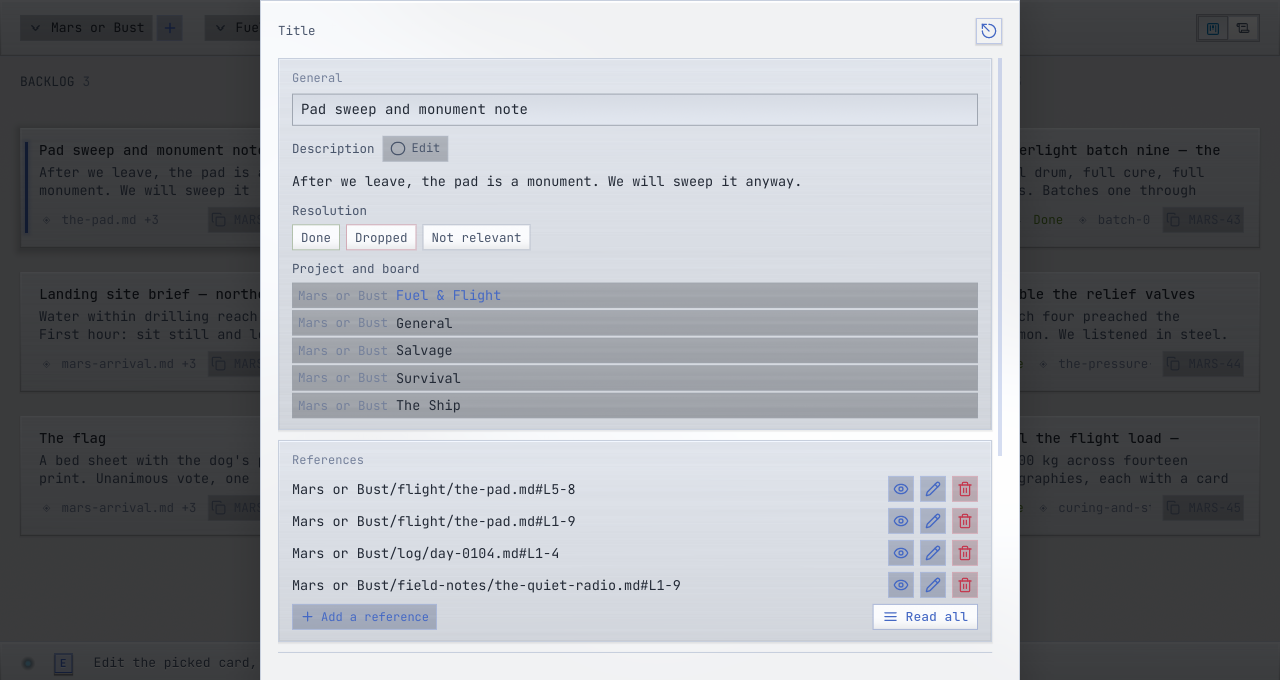
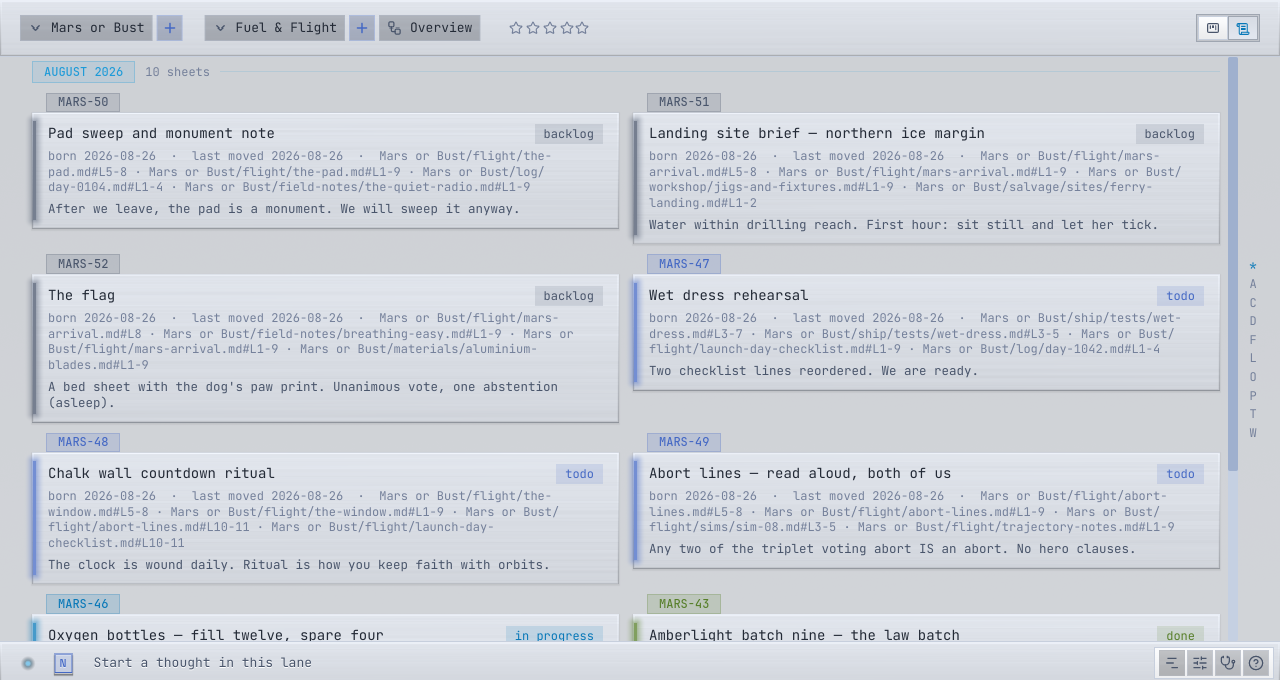
Each Chapter is one running record — every Page a line in it, freshest first, wearing its status. Any Page opens as a case file: body, references, Thoughts and Updates, and history on one sheet. Nothing to arrange, nothing to tidy; the record keeps itself.
07 · GPU fast
The embedding engine rides your graphics card — indexing in the background, answering in milliseconds, never blocking a keystroke. Blazing on a gaming rig, quiet on a laptop.
08 · Every OS
Native installers with everything bundled — the engine, the tools, the desk. Nothing downloads at boot; uninstalling never touches your data or your notes.
Self-installing: your user, your app menu, a clean uninstaller. No elevation, no system folders.
Drag to Applications, done. Apple Silicon, everything inside the bundle.
Per-user install — no admin prompt, a normal Add/Remove entry, updates that can actually update.
09 · Remote
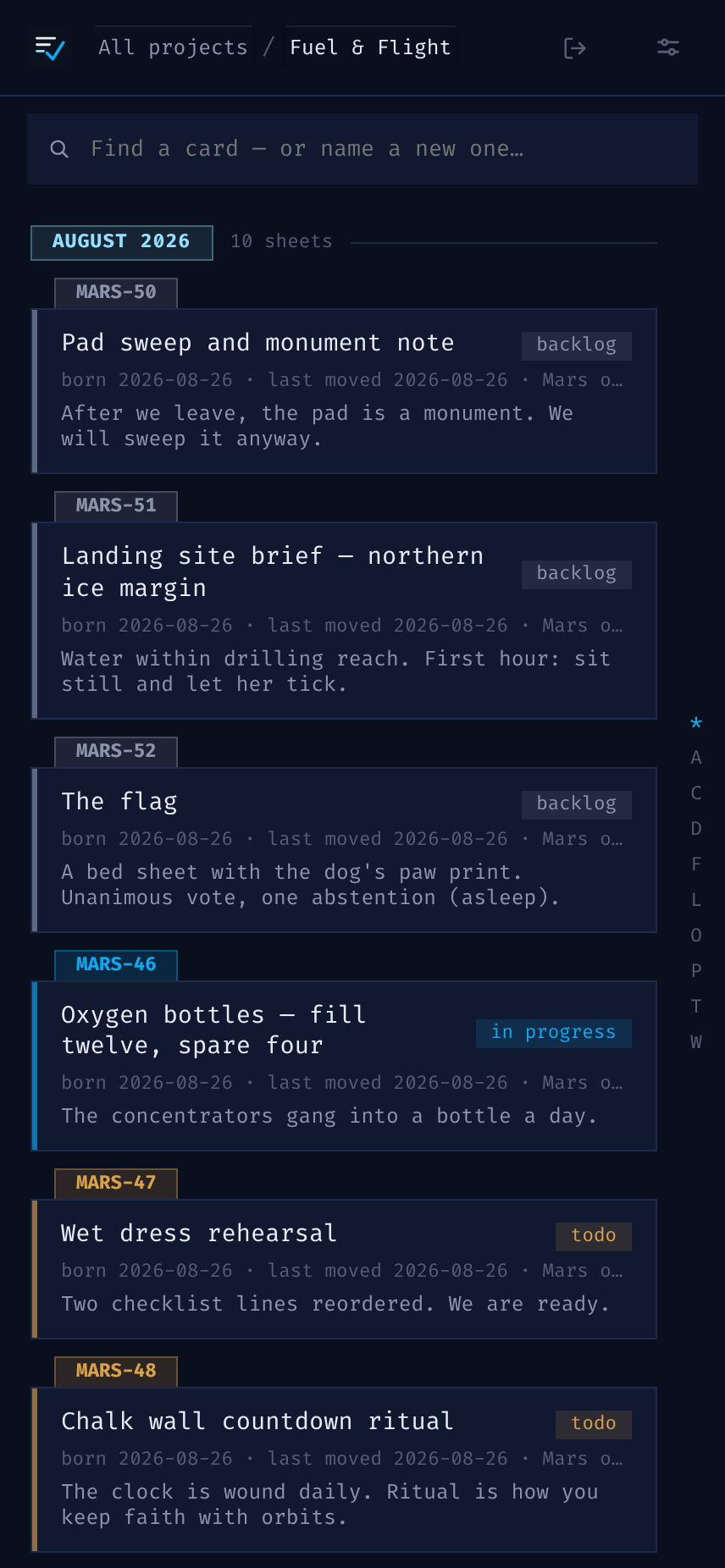
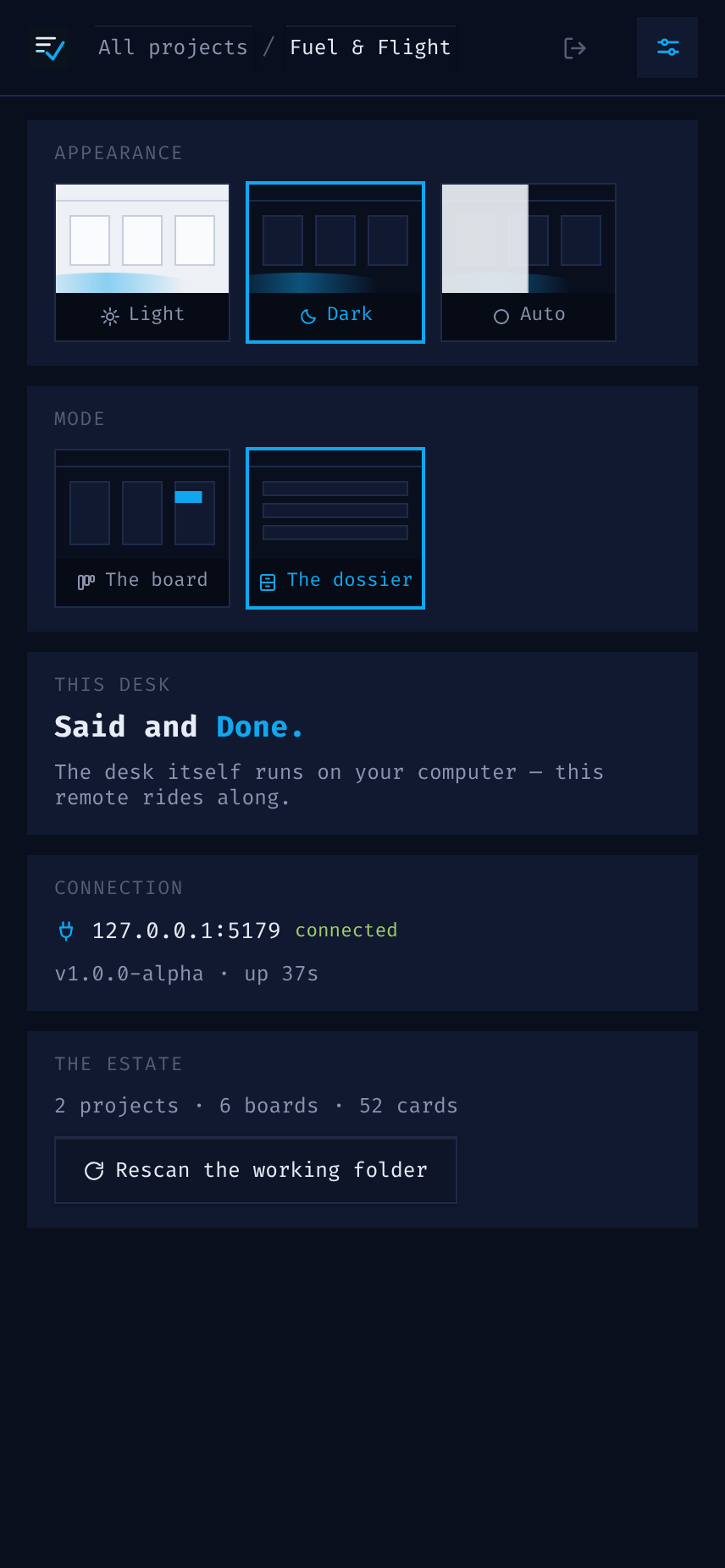
A packed-in remote client rides the same desk from your phone, through your own tunnel, with one token. The window closed means the remote is off — no daemon, no surprise surface.